
Programming Your Feeder
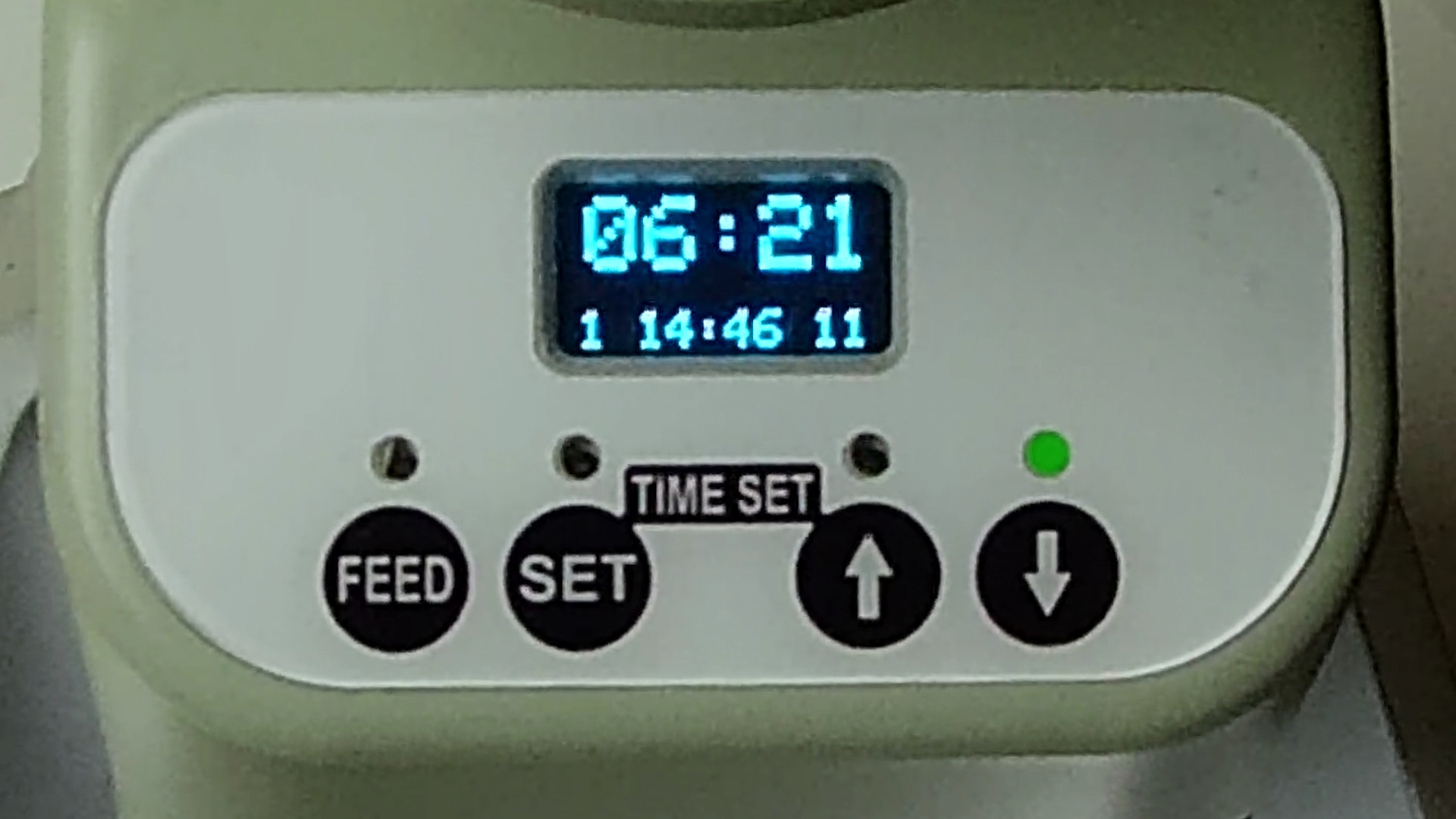
1. Open your settings
Press and hold SET for 3 seconds. Program 1 appears with a flashing line below the program number. The display shows the scheduled feeding time and number of rotations.
2. Choose the feeding program
When the flashing line is beneath the program number, press the UP arrow to move through programs 2–8. Use the DOWN arrow to return to a lower program number.
3. Adjust the time or portion
Briefly press SET until the flashing line is beneath the setting you want to change. Press the UP or DOWN arrow to adjust the feeding time or number of rotations.
4. Save your changes
Press and hold SET until “finished” appears on the screen (approximately 3 seconds). Repeat these steps for each program you want to review or revise.
Two details to remember
-
24-hour clock: 08:00 = 8 AM, 12:00 = noon, 18:00 = 6 PM
-
Portion size: Each rotation dispenses approximately 1/4 cup of kibble, depending on kibble size. Measure the actual amount dispensed before relying on the setting.